
You can view your current App and Firmware versions directly within the ShowerStar App on your mobile device. Keeping these up to date ensures you have the latest features to save energy and money.
Follow these simple steps:
- Open the ShowerStar app.
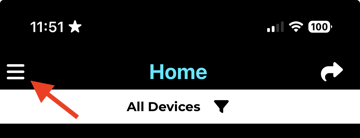
- Tap the hamburger icon (top left) on the home page.
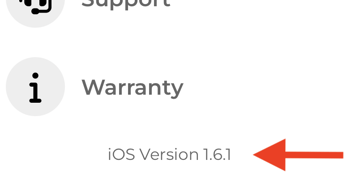
- The app version is displayed in the bottom menu.
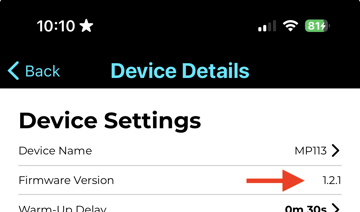
- Tap the Device List.
- Tap to connect the device and view its firmware version.
For the full instruction document mentioned in support emails, you can download the guide here:ShowerStar App and Firmware Version.
You can find other ShowerStar support materials, instructions, and videos at https://touchgrid.com/support.
If you need any more help, pleasecontact our support team.